
Real screens.
A real little sidekick.
Explore Doty’s native iPhone screens: Summary, Calendar, Yearly insights, Settings, and the add-payment flow.
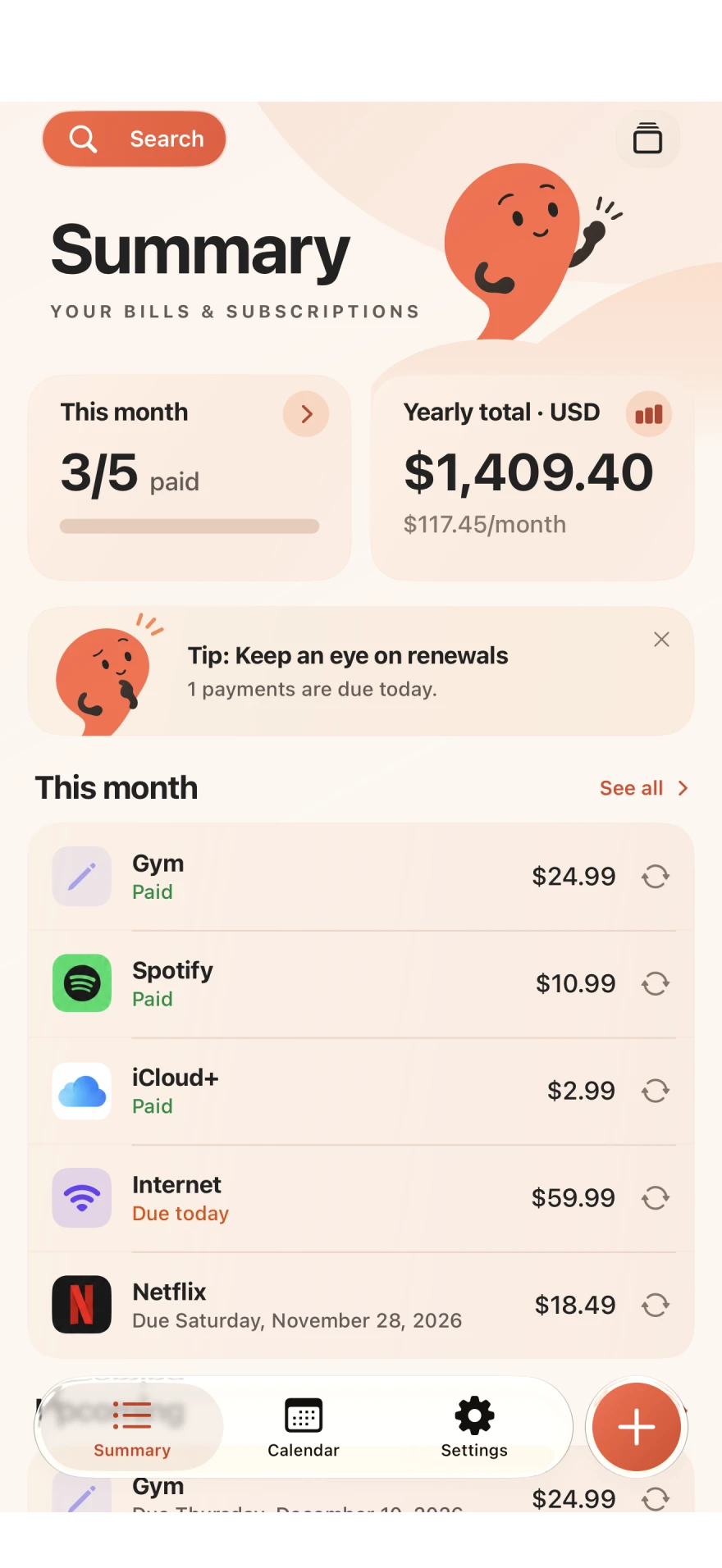
Summary
Summary brings your bills and subscriptions together, with monthly paid progress and a rolling yearly total. Open a card when you need the details.
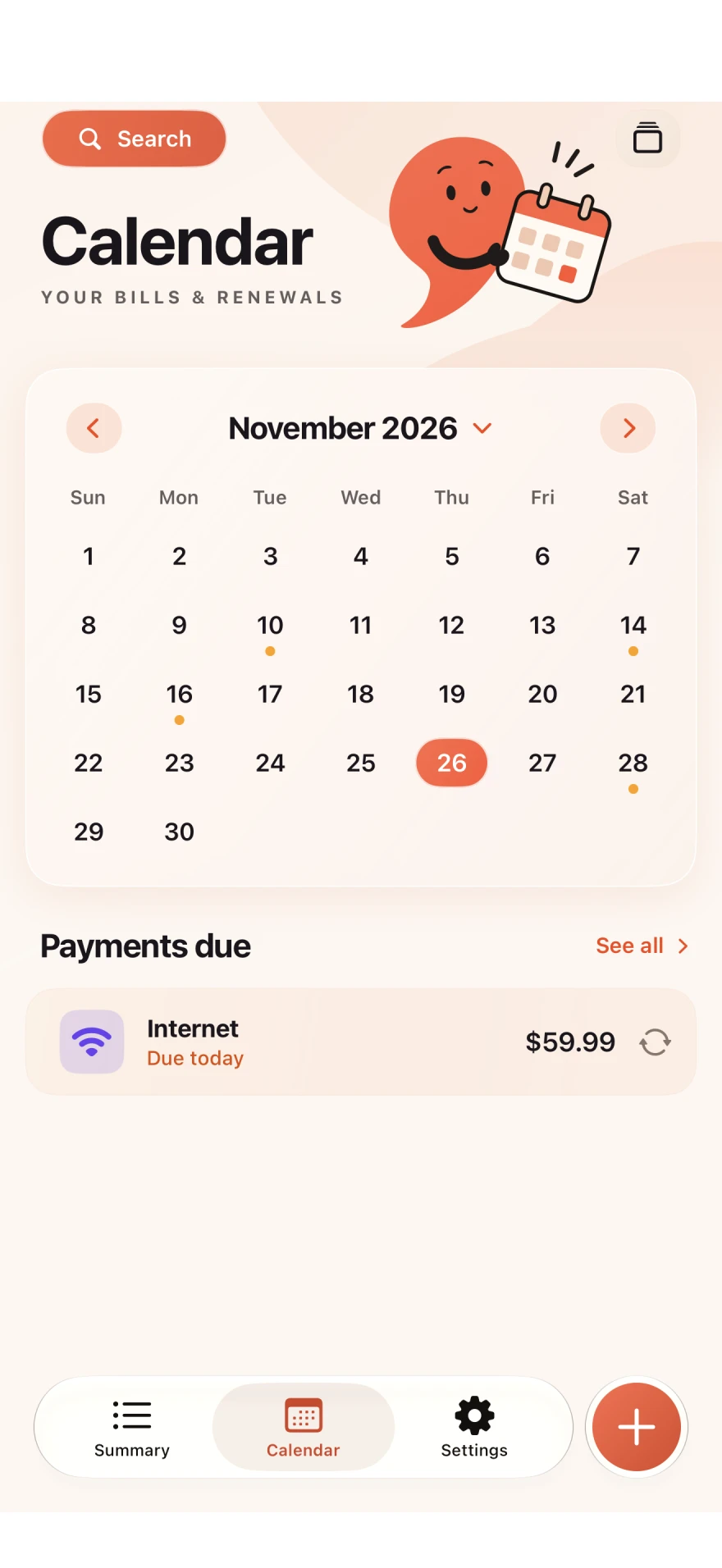
Calendar
A payment calendar gives your renewals a place in the month. Browse dates and open the bills due on a selected day.
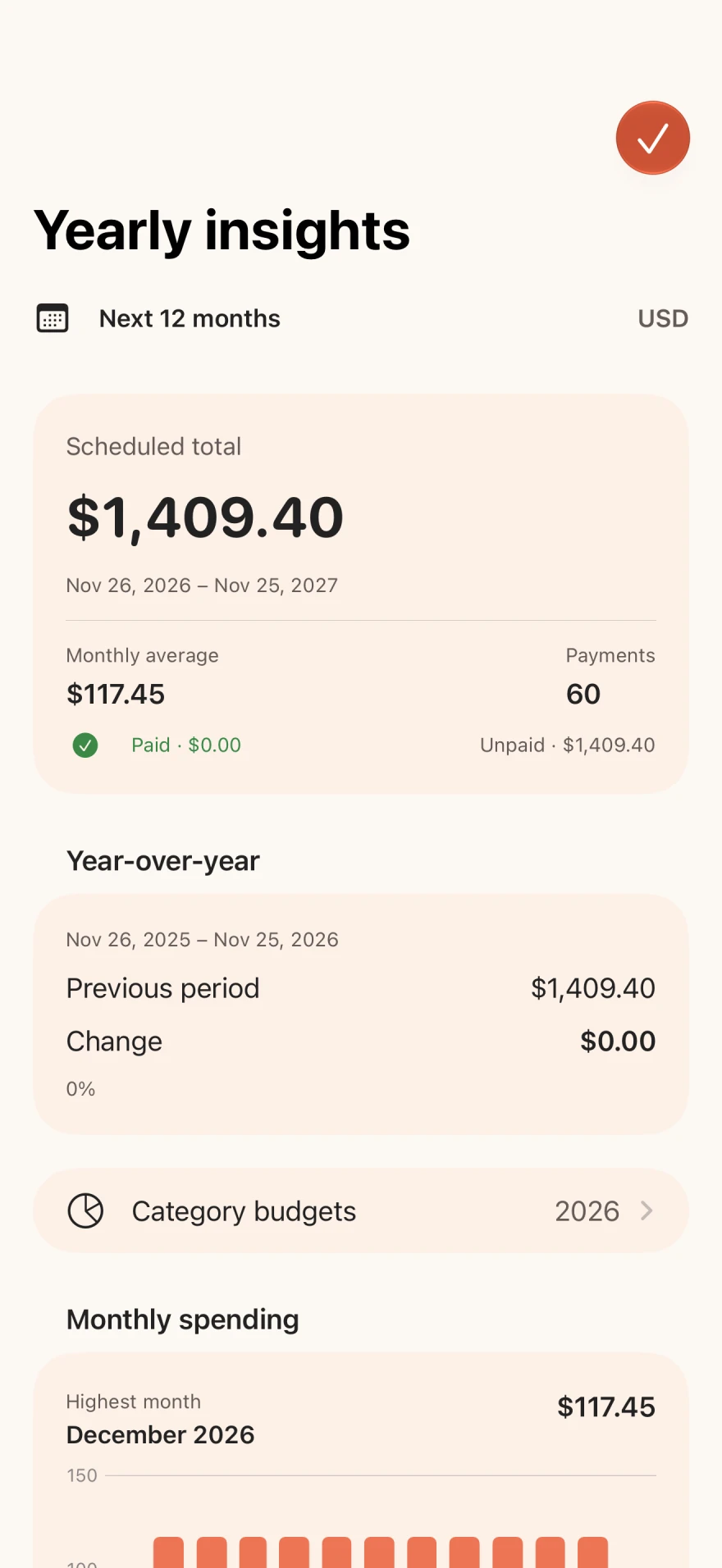
Yearly insights
Open Yearly total from Summary to see the next 12 months, compare periods, and explore how your scheduled payments add up.
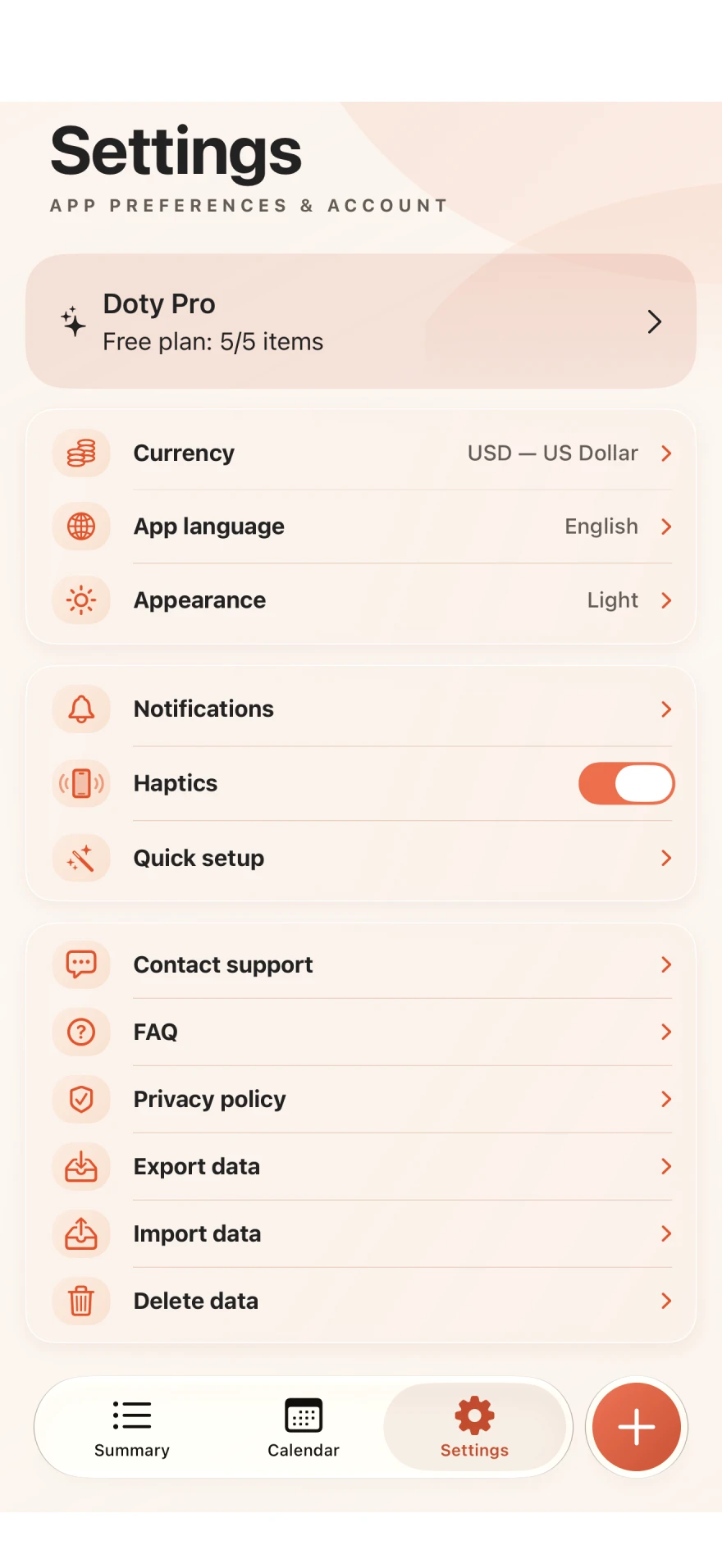
Settings
Choose a language, set your default currency, and keep control of your saved records. The essentials are a few taps away.
Add a payment
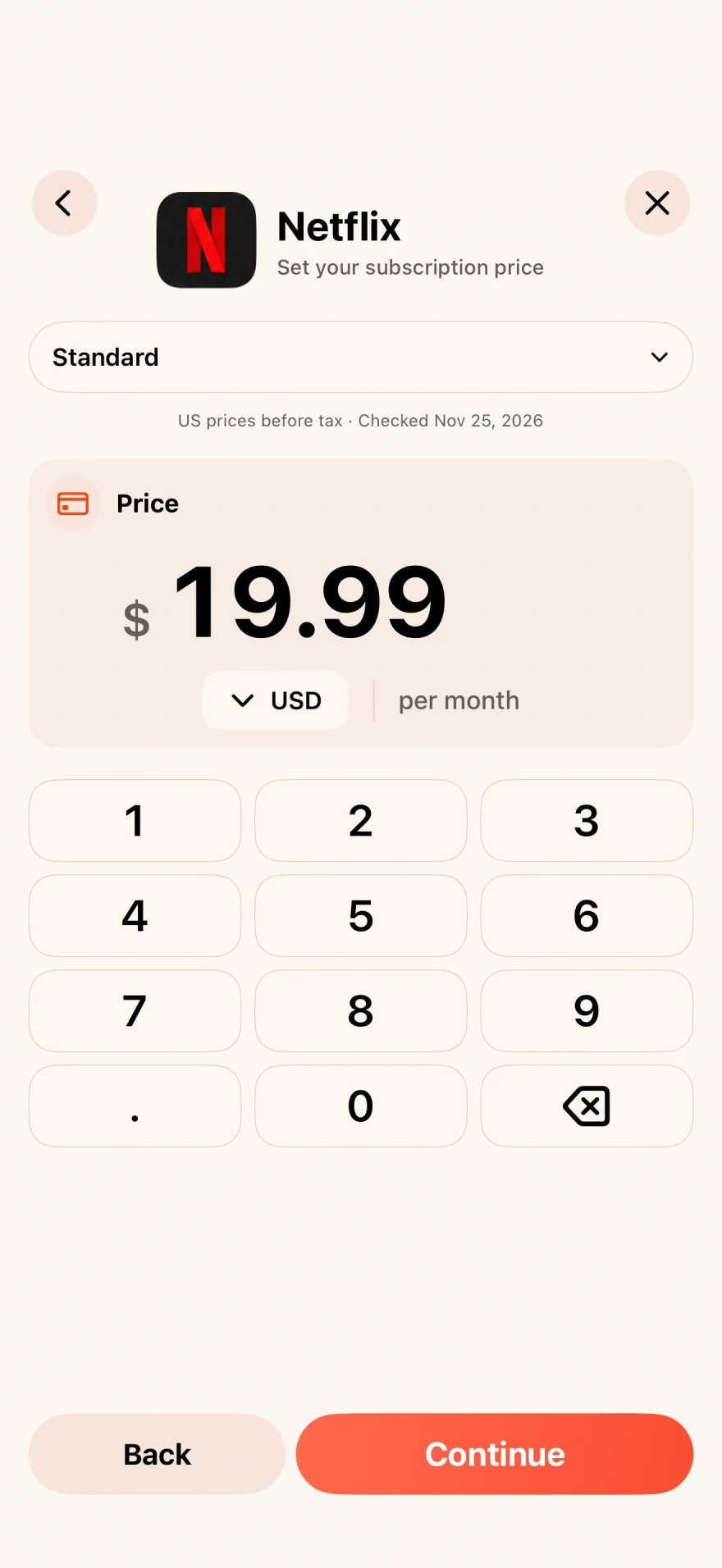
Tap Plus, choose a payment type, and walk through the price, schedule, and reminder steps. Start with the five items that matter most.
Start with five. Make room with Pro.
Track up to five saved items for free. Pro adds unlimited items and both home screen widget styles, with monthly and lifetime options priced by Apple.
Compare Free and Pro