
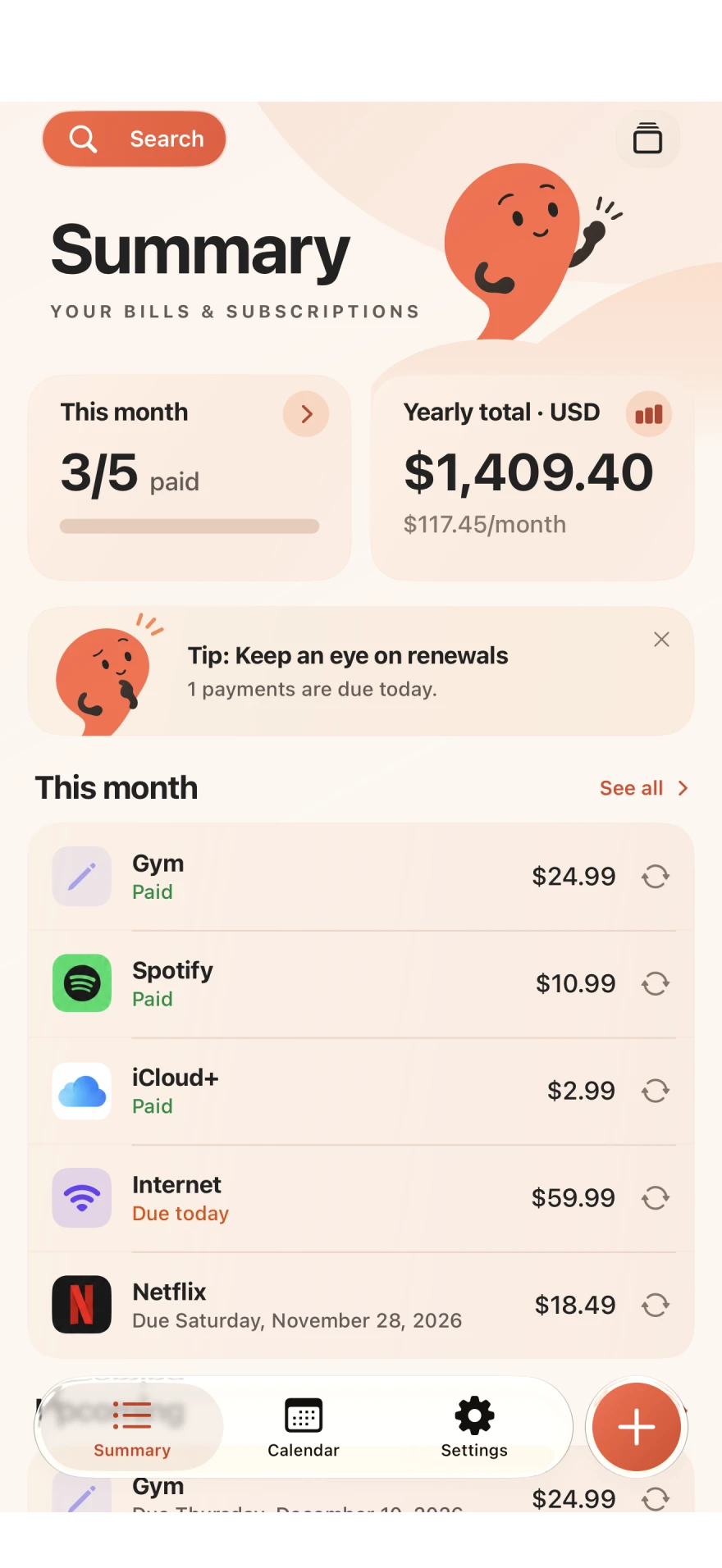
See your month at a glance
The monthly card shows how many payment occurrences you have marked paid. The yearly total shows scheduled payments across the next 12 months, with each currency kept separate.
Open, edit, or mark a payment paid
Tap a payment card to open its details. You can edit the amount or schedule and mark the relevant occurrence as paid. A paid occurrence preserves the amount and currency recorded for it.
Find a record without the scrolling
Search saved payments by name and filter by type, category, currency, paid or unpaid status, and overdue status. Swipe left on a Summary row to reveal the native iOS Delete action, with a brief Undo offer after deletion.