Start with the right kind of payment
Choose Subscription, Bill, Installment, or Other. Subscriptions include service shortcuts and live App Store search for an app’s name and icon. Search does not import or verify an existing subscription.
Confirm your actual price and dates
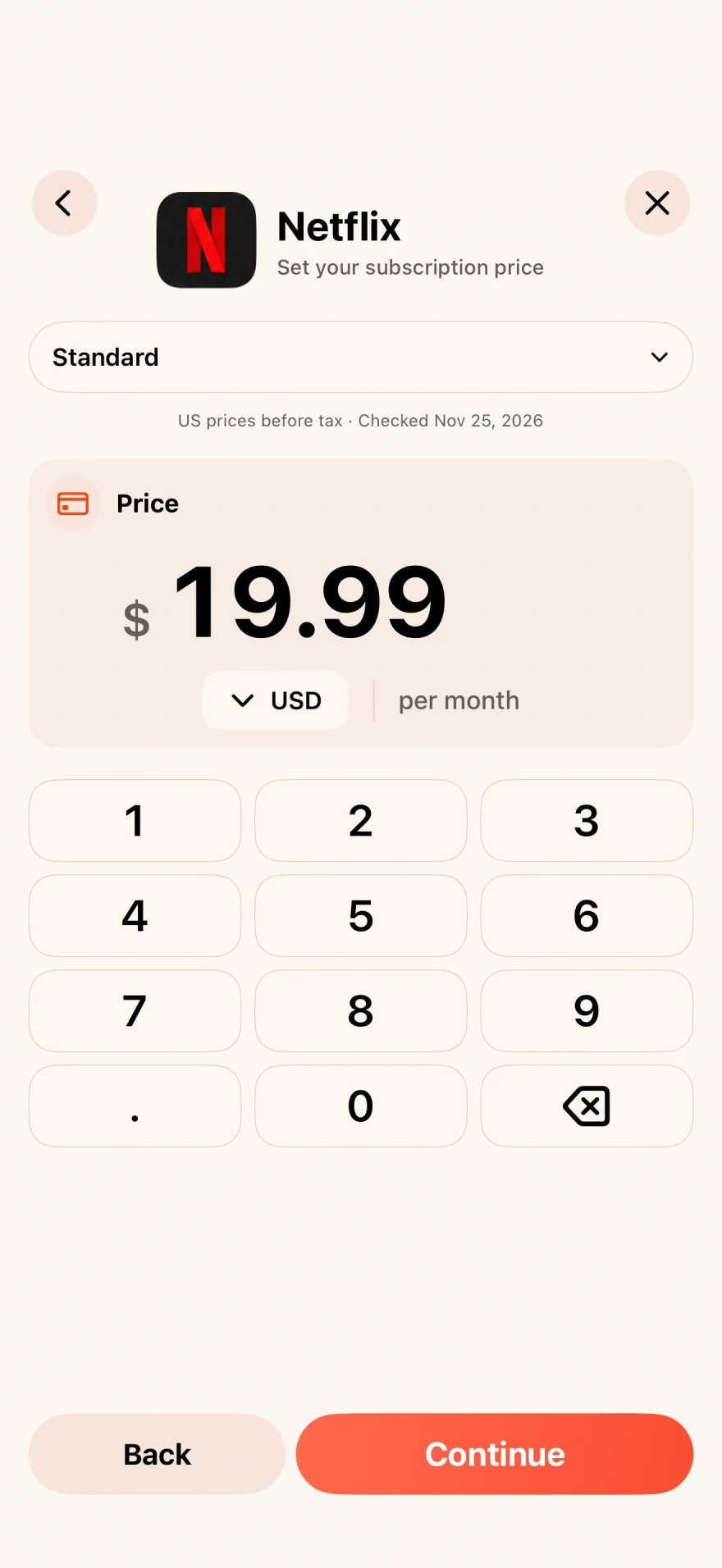
Enter the cost in your chosen currency, then set recurrence and the first payment date. Available schedule options include installment counts, end dates, free trials, and auto-renewal, depending on the item type. Check suggested prices against your own provider and plan.
Choose how much of a heads-up you want
Set a reminder lead time and time of day, with an optional additional reminder. The free plan allows five tracked items across all types; unlimited items and home screen widgets require Doty Pro.