
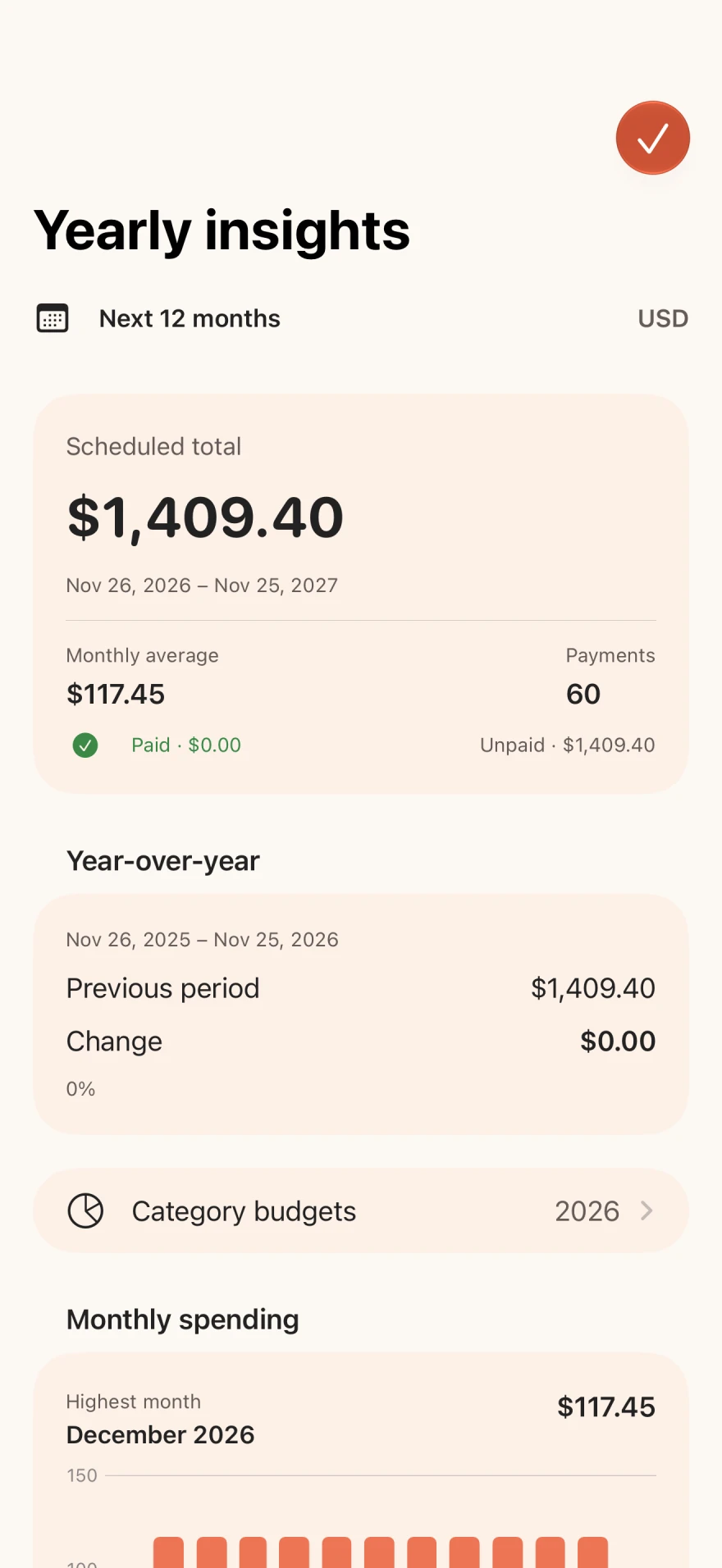
Understand scheduled costs
See a scheduled total, monthly average, and the number of payment occurrences for the selected period. Doty distinguishes paid and unpaid occurrences based on the records you maintain.
Compare periods and categories
Explore a year-over-year comparison, monthly spending, and category breakdowns. Category budgets help you set a reference for each category and currency. These are calculations from your saved records, not a feed from your bank.
Keep historical amounts meaningful
When you mark a payment occurrence paid, Doty stores its amount, currency, and payment date. Price changes can be reviewed separately, so later edits do not simply rewrite the amounts of recorded paid occurrences.