
Use the formats that feel familiar
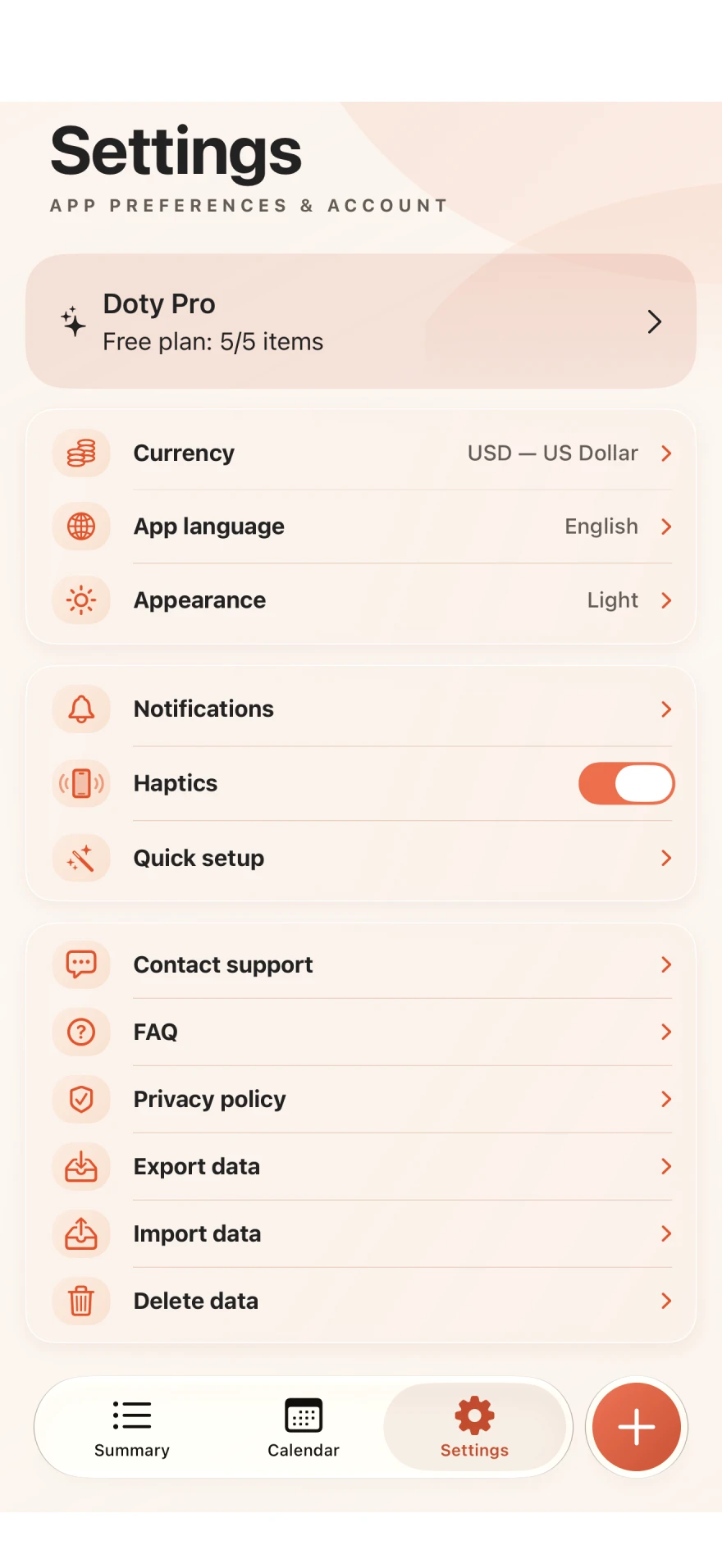
Doty supports 20 app languages, multiple currencies, and number formatting based on regional settings. Your default currency helps with new entries; totals remain separate for different currencies.
Choose your appearance and feedback
Light is the default appearance, with Dark and System options available. Settings also includes notification controls, haptic preferences, and Quick setup if you want to revisit onboarding.
Keep control of access and data
Open Doty Pro to see monthly or lifetime options and Restore purchases. Export a JSON backup, import an existing file by merging or replacing, or delete app data. Deleting data does not cancel an Apple subscription or a service you track.