
Put recurring payments on the calendar
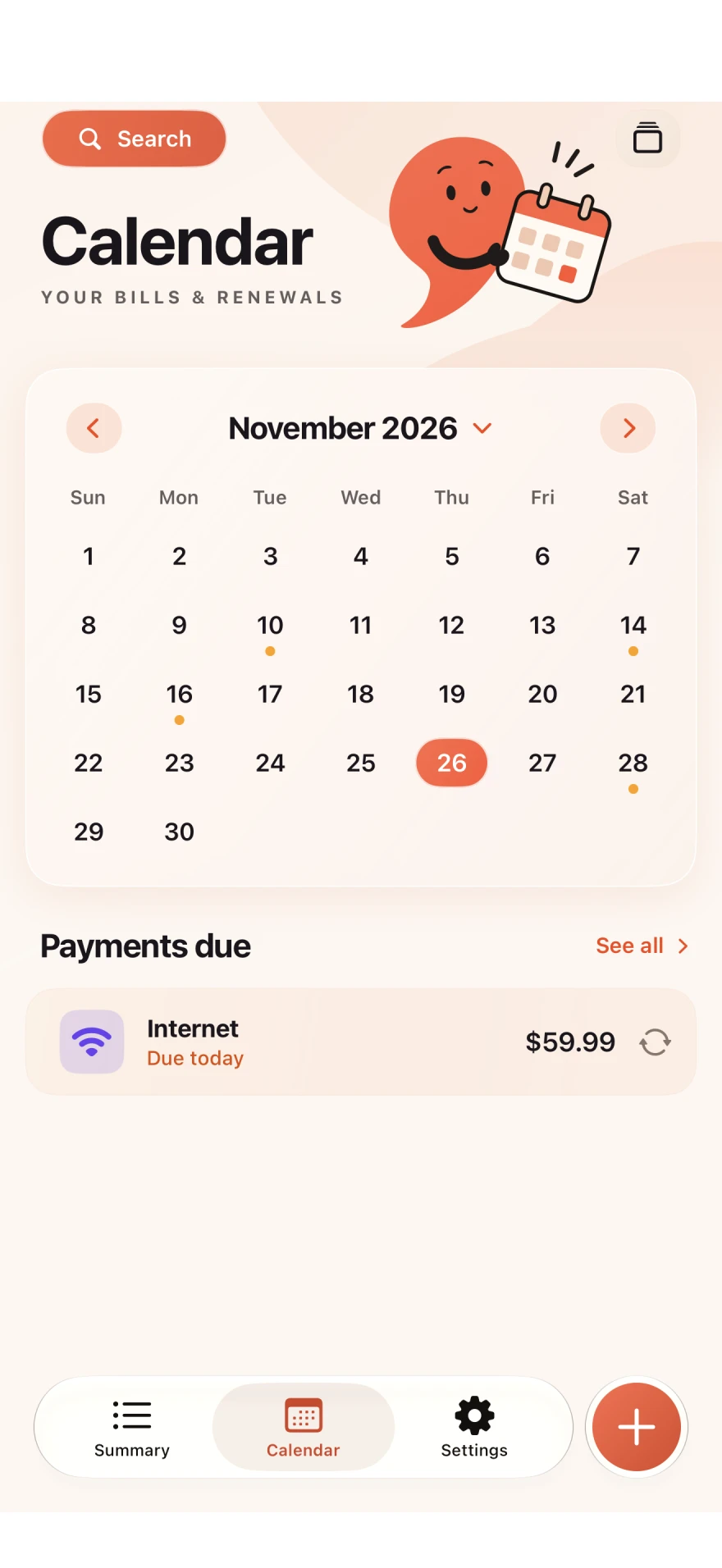
Doty uses the schedules you save for subscriptions, bills, installments, and other items. The calendar opens on the current month and marks dates with scheduled payment occurrences.
Look ahead, or look back
Use the month arrows or month picker to choose a different month and year. Select a day to see the relevant payments, then open a record for its amount, schedule, and paid status.
Pair a date with a reminder
Choose reminder timing when you add or edit a payment. Notifications are scheduled locally on your iPhone and depend on permission and iOS settings. The calendar remains a useful place to check dates yourself.